
Renew a Kansas Credential on iKan
Skip the line and expedite the renewal process online with iKan. Follow the directions below to get started:
- Log in (see Create a Profile on iKan) and click Renew a License or ID Card under "Driver's License Services"
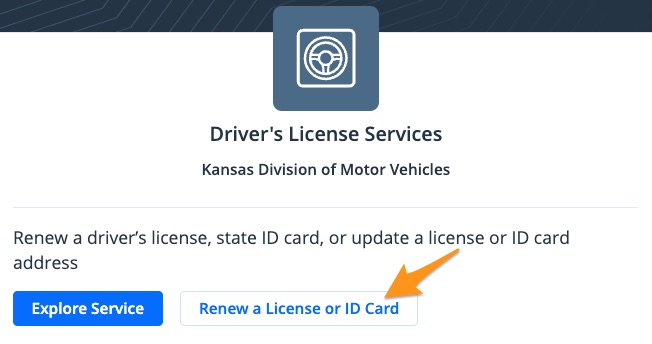
- Click Continue with renewal

- Review the renewal checklist and click Yes, I meet the above criteria

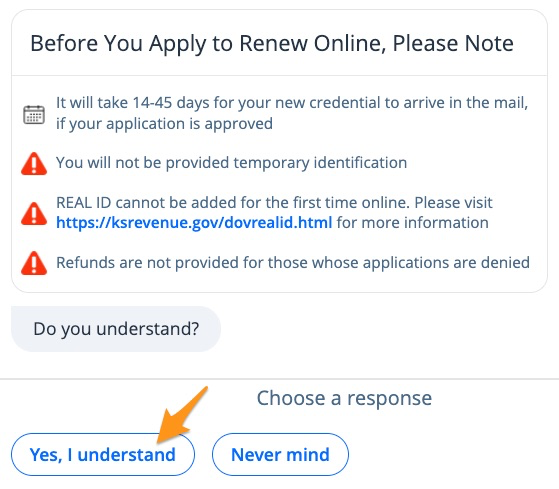
- Review key notes before proceeding, then click Yes, I understand
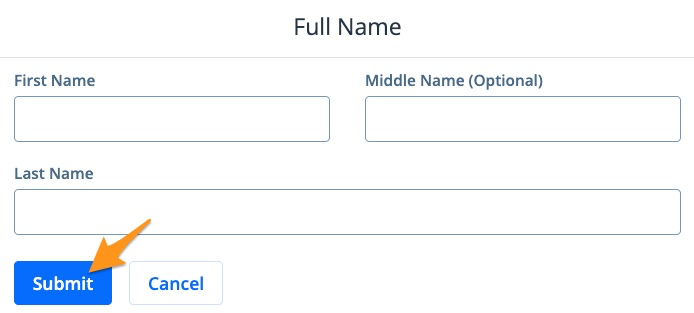
- Enter your Full Name and click Submit
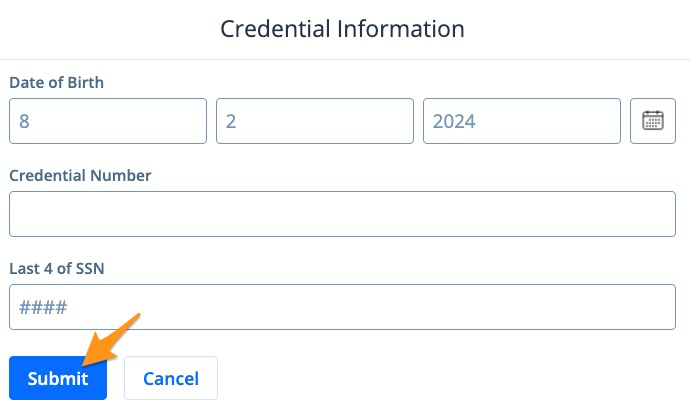
- Enter your Credential Information and click Submit
-
Answer all of the required vision and compliance questions
-
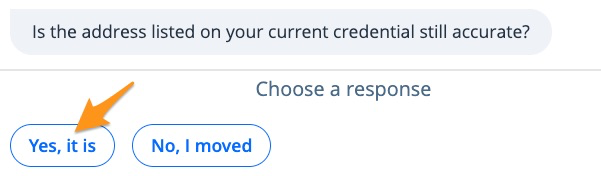
Confirm if the address on your driver's license is still accurate. Click Yes, it isor select No, I movedto update your address.
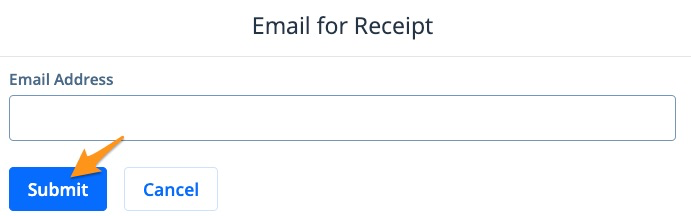
- Follow the prompts to select your preferences, then enter your email address and click Submit
-
Click Yes to confirm your email address and select your preference for Organ Donation and Voter Registration
-
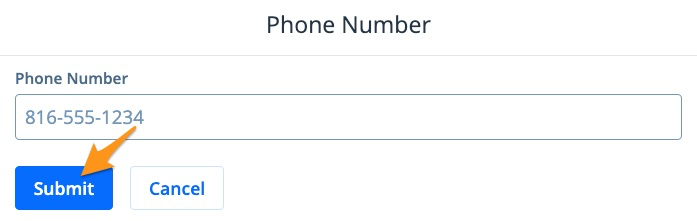
Enter your phone number and click Submit
- Review your information and click Looks good to proceed

- Select a payment method and click Submit
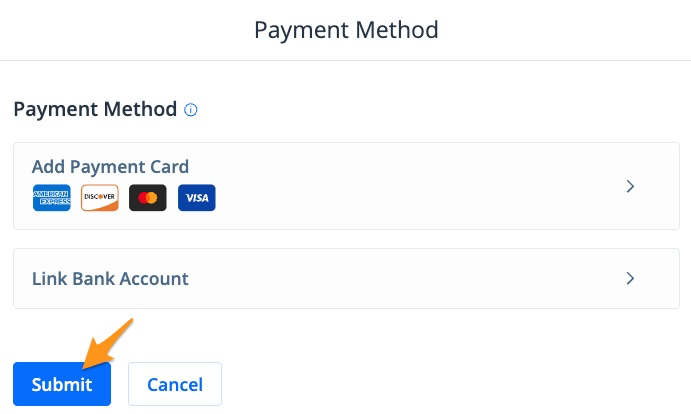
Note: If you have a saved payment method, it will automatically appear here. If you have not added a payment method before or are proceeding as a guest, select "Add Payment Card" or "Link Bank Account" to enter your payment information.
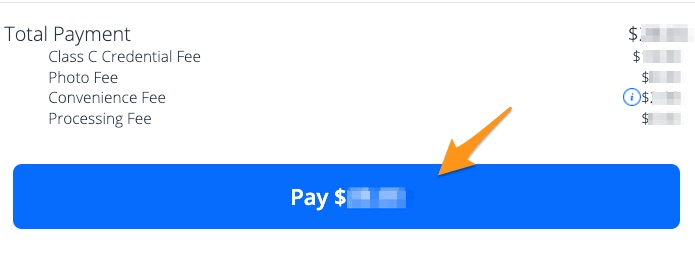
- Scroll down to review your payment summary and click the blue Pay $--.-- button to complete your payment
After a payment is completed, an email confirmation will be sent. Orders are processed and mailed by the Kansas Department of Revenue and generally arrive in 14-45 days if your application is approved.