
Request a Change of Address for a Kansas Vehicle on iKan
Request an address change for your vehicle registration on iKan. Follow the steps below to get started:
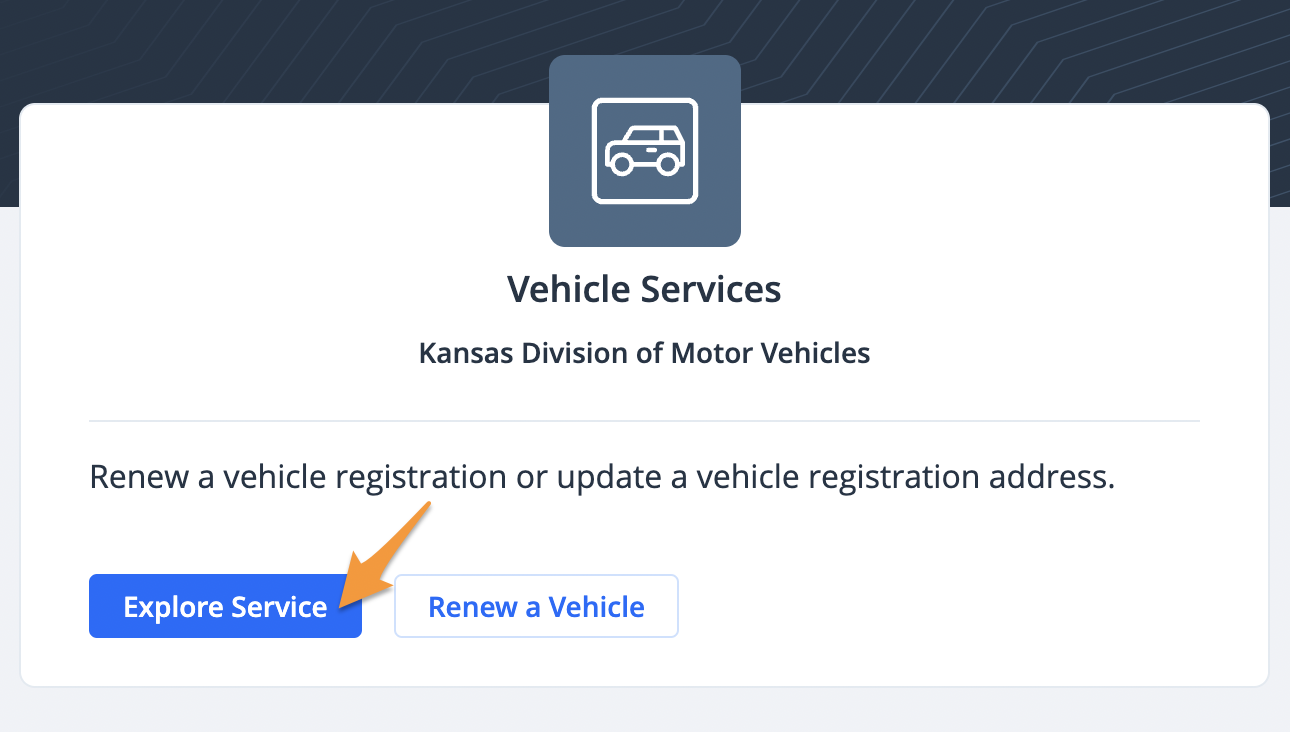
- Log in (see Create a Profile on iKan) and click Explore Service under "Vehicle Services"
- Select Request Address Change then select the county of your new address to proceed and click Submit

Note: You must log in to a profile to access the change of address option
- Select PIN or Plate Number to search for your vehicle

- The results of your search will be displayed. Click Yes to proceed.

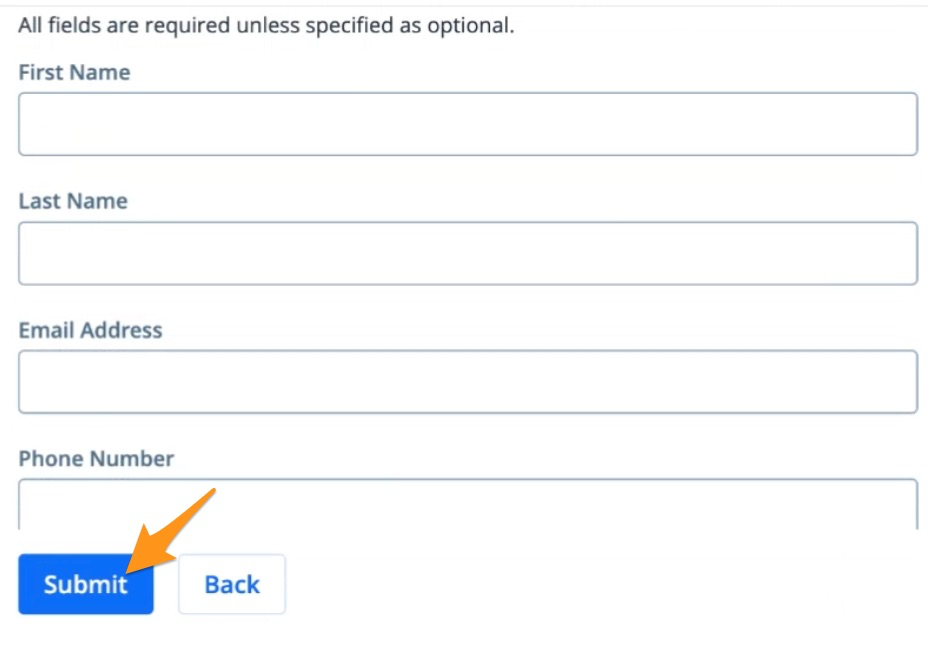
- Enter your Contact Information and click Submit
- Review your order information and if everything looks right, click Yes, it's correct

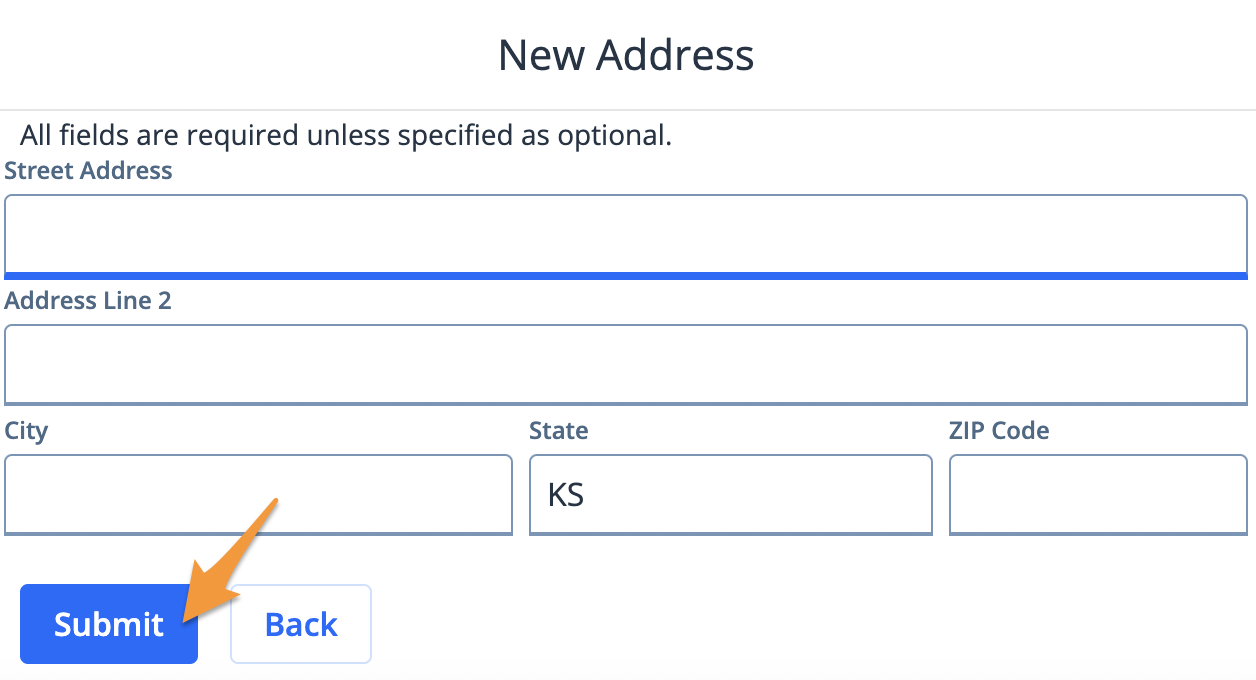
- Enter your New Address and click Submit
- Review your order information and if everything looks right, click Yes, it's correct

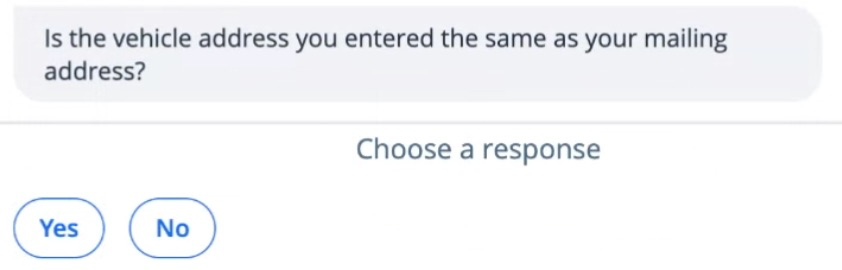
- Confirm if your mailing address is the same as your new residential address
- To complete request select Yes, submit request