
Renew a Kansas Vehicle Registration on iKan
Follow the directions below to renew your vehicle registration on iKan:
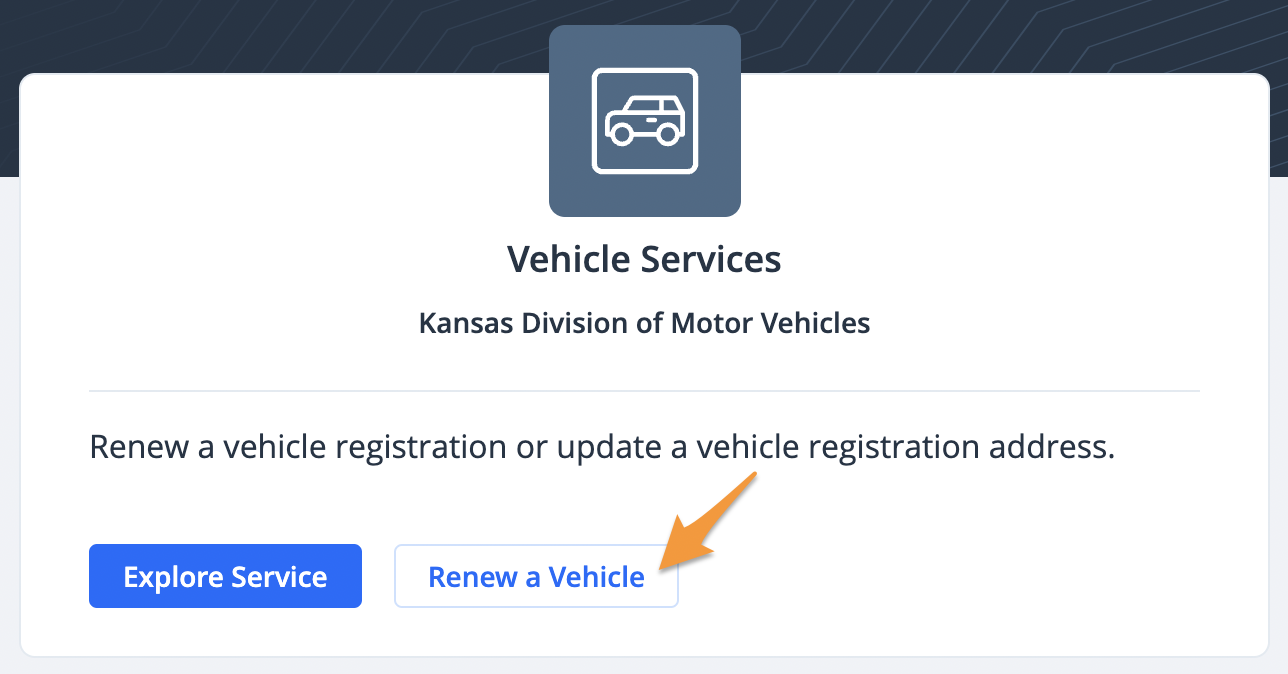
- Log in (see Create a Profile on iKan) and click Renew a Vehicle under "Vehicle Services"
- Select PIN or Plate Number to search for your vehicle

Note: Registration renewals become available online approximately 45 days before your registration renewal date. If you don’t see your vehicle, check your renewal window and try again later.
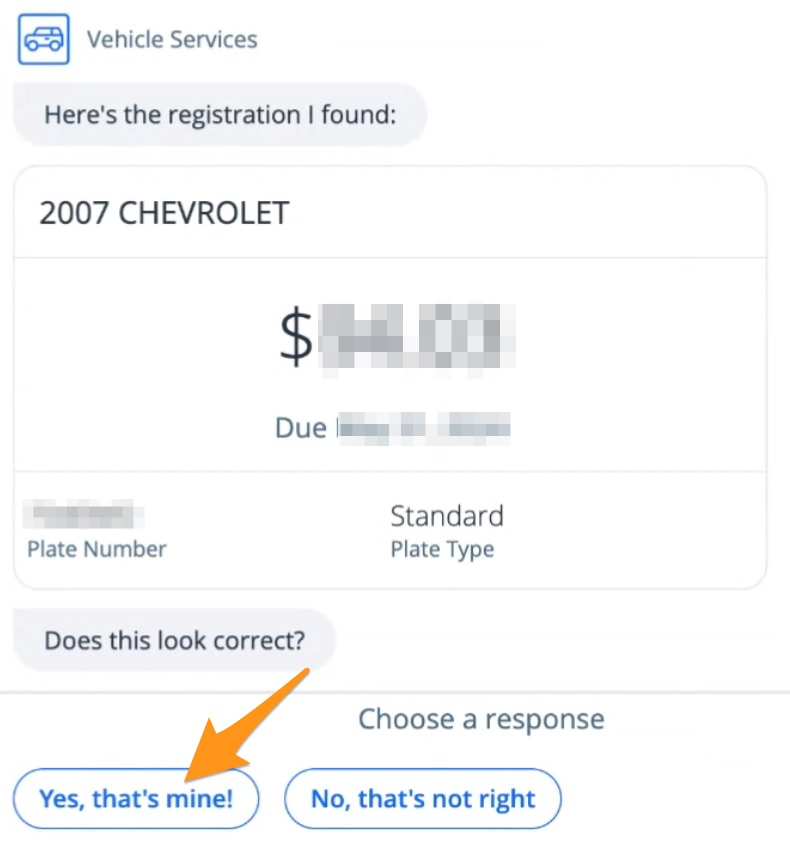
- The results of your search will be displayed. Click Yes, that's mine! to proceed.
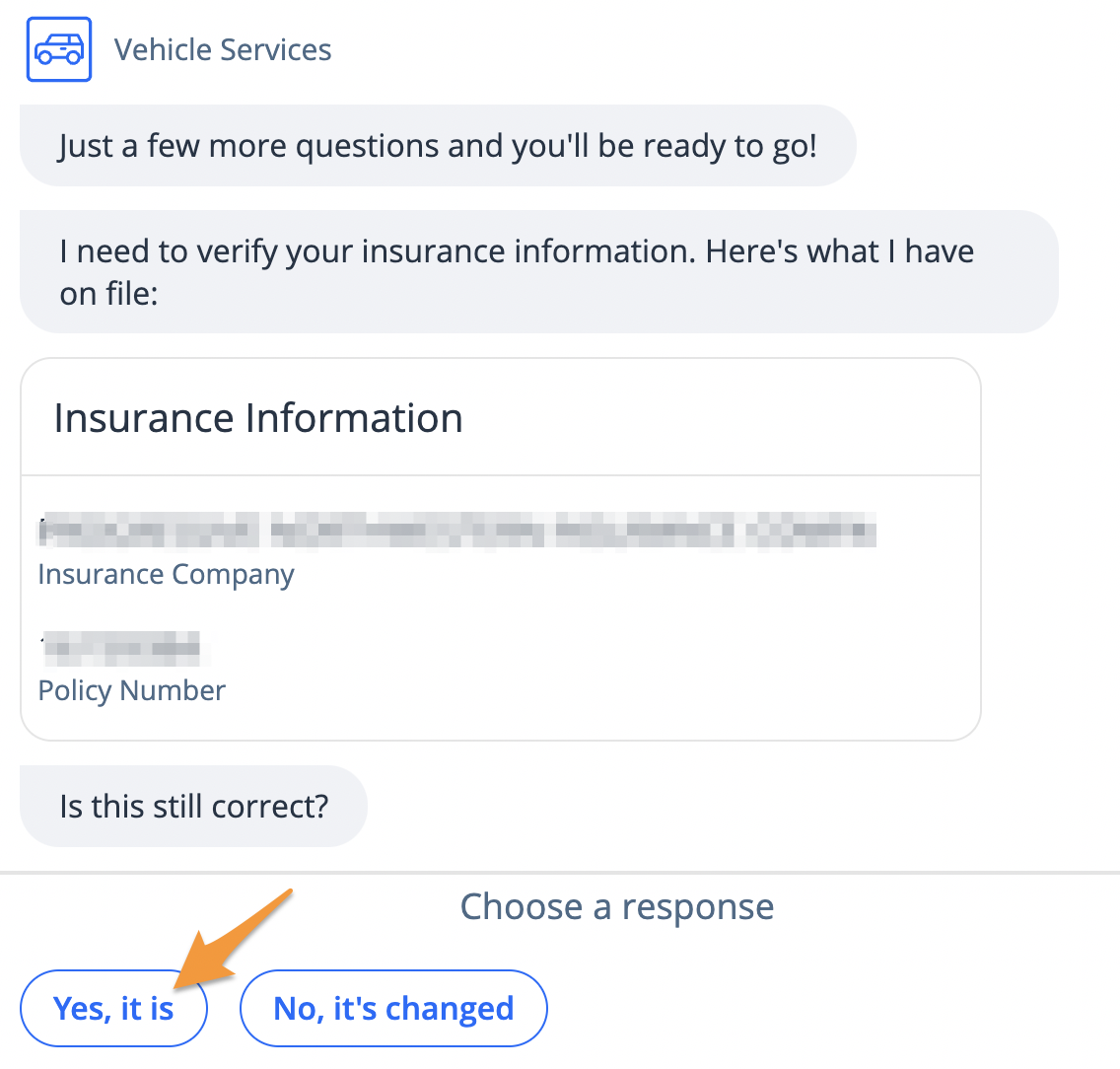
- Confirm your insurance information is correct by clicking Yes, it is
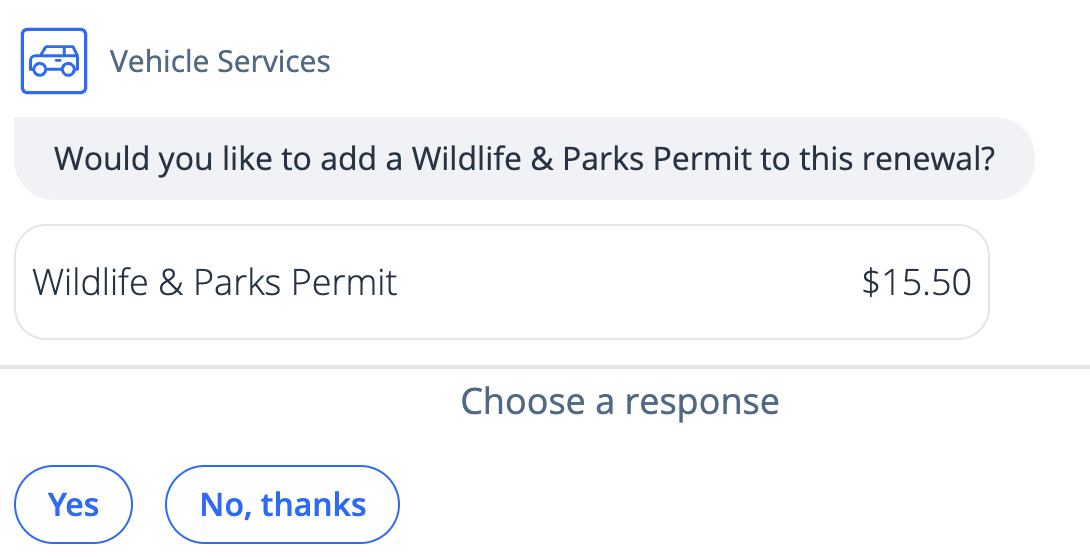
- Click Yes to add a Wildlife & Parks Permit or select No, thanks
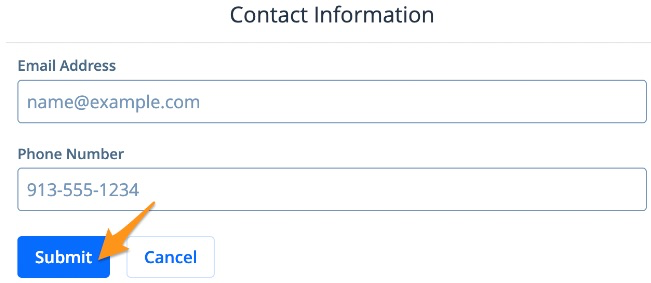
- Enter your Contact Information and click Submit
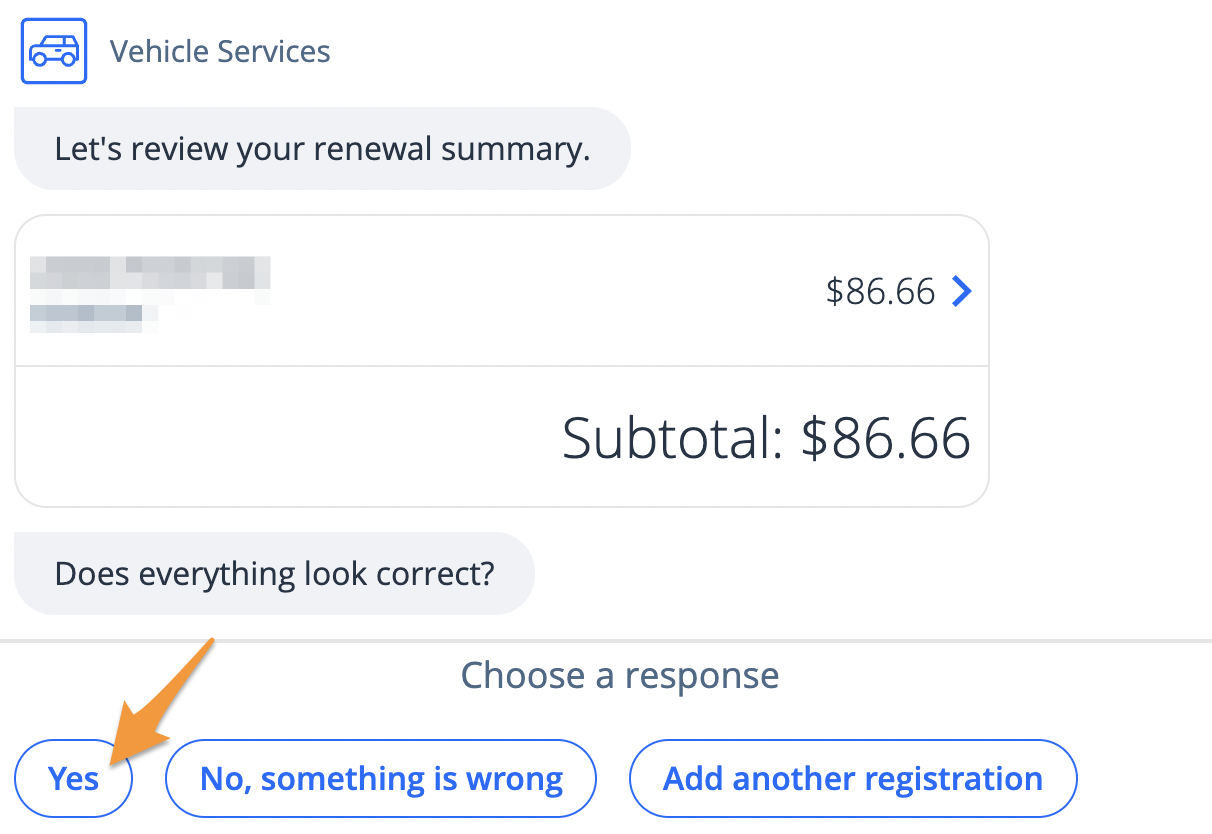
- Review your renewal summary and click Yes
- Select a payment method and click Submit
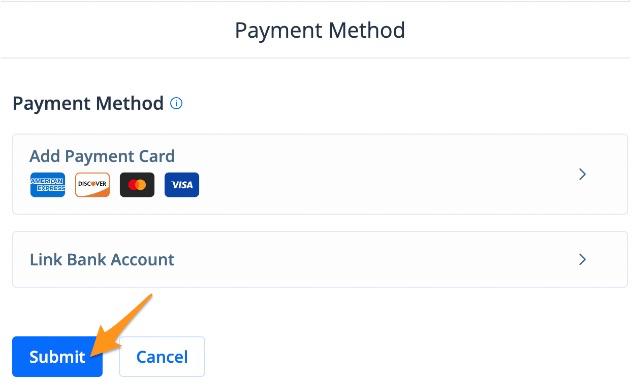
Note: If you have a saved payment method, it will automatically appear here. If you have not added a payment method before or are proceeding as a guest, select "Add Payment Card" or "Link Bank Account" to enter your payment information.
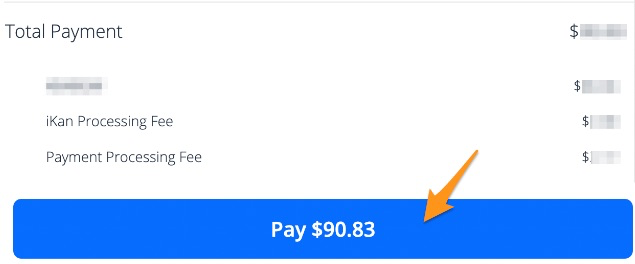
- Scroll down to review your payment summary and click the blue Pay $--.-- button to complete your payment
After a payment is completed, an email confirmation will be sent. Orders are processed and mailed by your local county treasurer's office and generally arrive in 7-10 business days. A copy of your official document will also be stored in your profile if you were signed in.